


The XK-G21 offers Windows and Linux configurations, with standard and optional computing specifications for the software environment you specify.

Dual SBUS and USB-HID outputs on the XK-G21 give you control connection options to compare with your system requirements.

The XK-G21 provides internal reserved space, 12 V power and antenna connections for a link selected to fit the station.

Choose XK-M02 for ground-vehicle and robot control tasks, or XK-F203 when a larger, case-based PC workstation suits the operation.
Ground Control Stations for Vehicle and Payload Operation
Xingkai supplies RC video ground control stations in handheld, multi-screen and case-based formats for operating unmanned vehicles and payloads. A handheld unit keeps the workstation portable, while larger multi-screen models give mission information and video separate display areas. The range includes the three-screen XK-G30 and the single-screen XK-GS300, also named XK-GCS300, for different display-layout requirements.
Choose the computing platform alongside the controls. Models such as the XK-G21 and XK-M08 combine PC-based processing with touch displays, while the XK-M02 offers three two-axis joysticks for ground-vehicle and robot applications. Screen layout, operating system and physical interfaces vary by model.
Tell us about your platform, control and video connections, software requirements and quantity. Xingkai checks the model and configuration, provides a quotation, and agrees the order and delivery conditions with you before arranging supply.
Xingkai Ground Control Station Models
Compare handheld terminals and portable workstations by the exact model. XK-H10W is available in Windows and Android versions. XK-GS300 and XK-GCS300 identify the same single-screen product and are listed once.
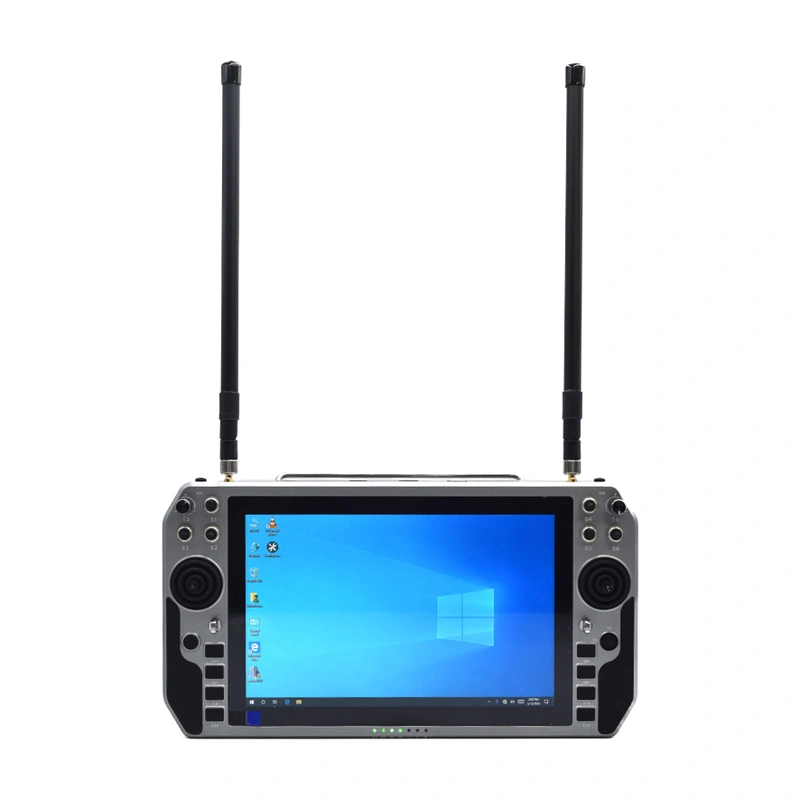
A 10.1-inch handheld terminal available in Windows and Android versions. Xingkai identifies the selected operating-system version and its configuration in the quotation.
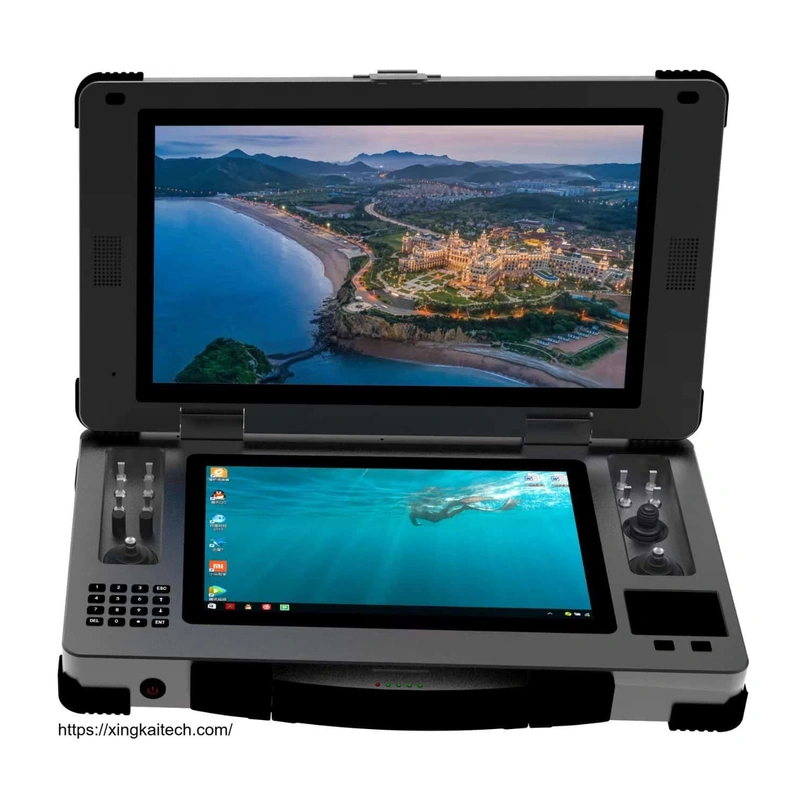
Windows and Linux configurations, dual SBUS/USB-HID output options and reserved internal data-link space support a portable operator workstation.

A portable dual-screen workstation for ground-vehicle and robot operation, with the controls and connected equipment specified for the project.

Also named XK-GCS300, this case-based PC workstation uses one display. Specify this single-screen product when requesting its configuration.
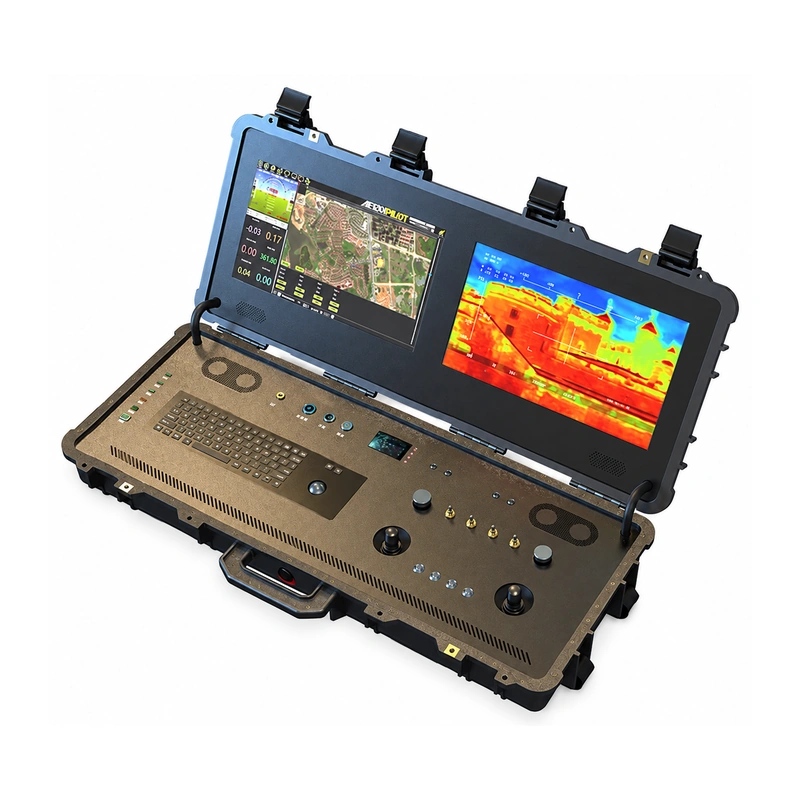
A case-based dual-screen ground control station for projects requiring a transported PC workstation and integrated control panel.

A 10.1-inch handheld PC terminal with Windows 10, combining touch-display operation and a portable control format.
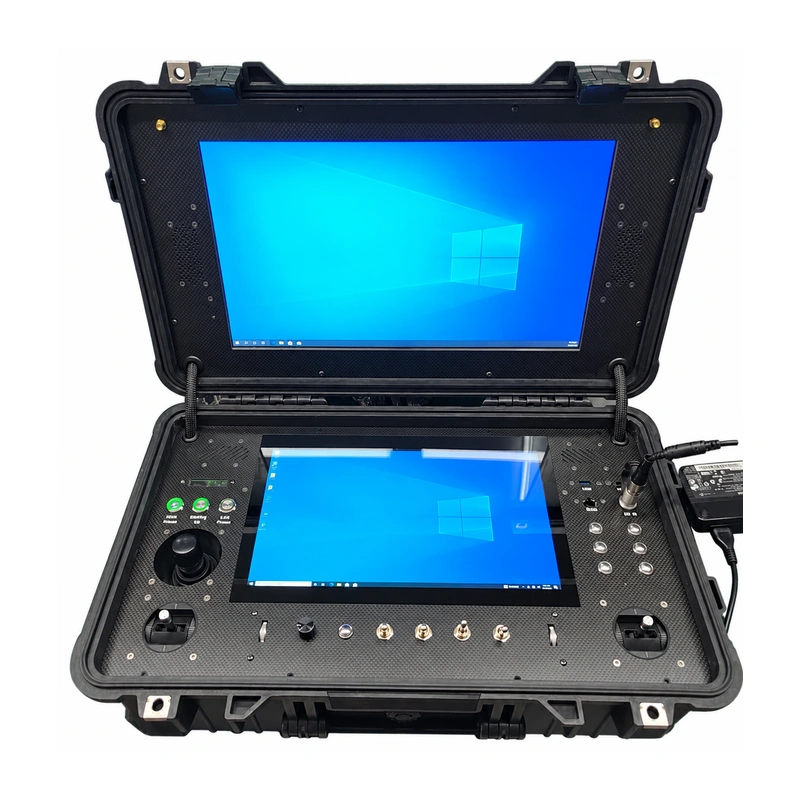
A case-based dual-screen workstation for a transported operator setup, with the control and data-link configuration identified for your system.

A separate handheld model in the Xingkai range. Its operating system, screen and control configuration are specified separately from XK-H10W.
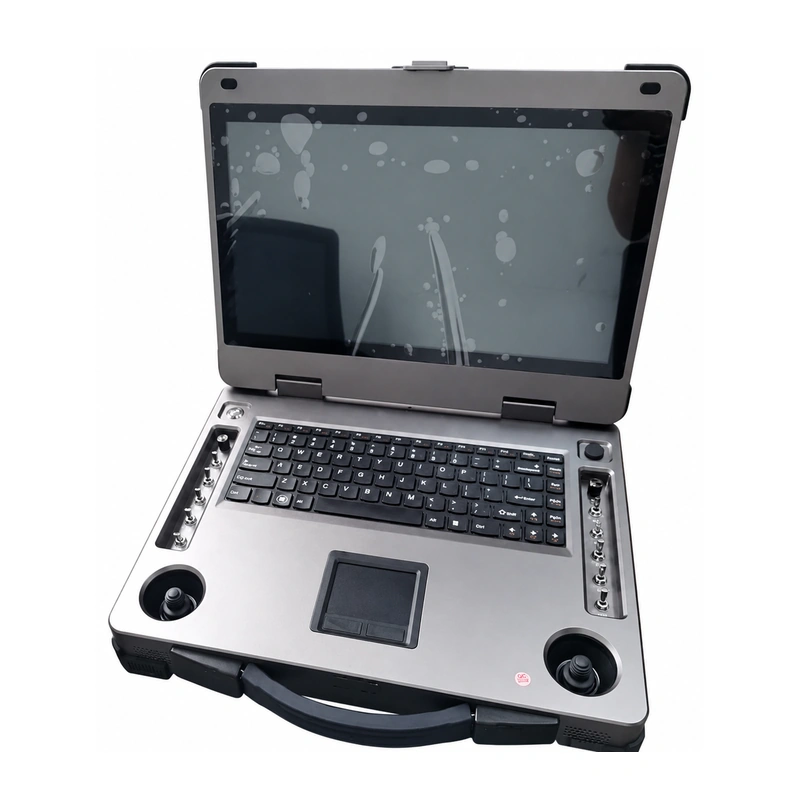
A 15.6-inch portable station for operators needing a larger display area than a handheld terminal.

A portable dual-screen model for projects using two display areas; compare its dimensions and controls with the workstation requirement.

Two display areas, a keyboard and physical controls provide a distinct operator-station format within the range.

Three 15.6-inch screens, a keyboard and physical controls provide several display areas for the selected workstation setup.

A case-based station for a transported operator workstation, quoted by the required display and control configuration.

An FPV station with an 8.4-inch display and an RK3588-based computing platform, with memory and storage options specified for the order.

A 7-inch LCD terminal provides an individual RC/video control option; match the required control setup to this model.

Touch-equipped models let operators interact with the screen while keeping physical controls within reach.

G21 has two flight joysticks and one central Hall joystick; M02 provides three two-axis joysticks for ground platforms.

Models including G21 and F203 combine toggles and knobs with joysticks for different control functions.

M02 provides eight customizable keys; G30 includes a keyboard and touchpad for on-screen work.
Match the Computing Platform to Your Software
For a project using PC software, the XK-G21 offers Windows and Linux configurations, with a standard Intel i5, 4 GB RAM and 128 GB SSD. The XK-M08 puts a Windows 10 PC in a handheld format when portability is the priority. The RK3588-based XK50 provides a different computing platform with memory and storage options. Xingkai uses your software environment and required resources to check the model and configuration before preparing a quotation.

Connect the Station to Your Existing System
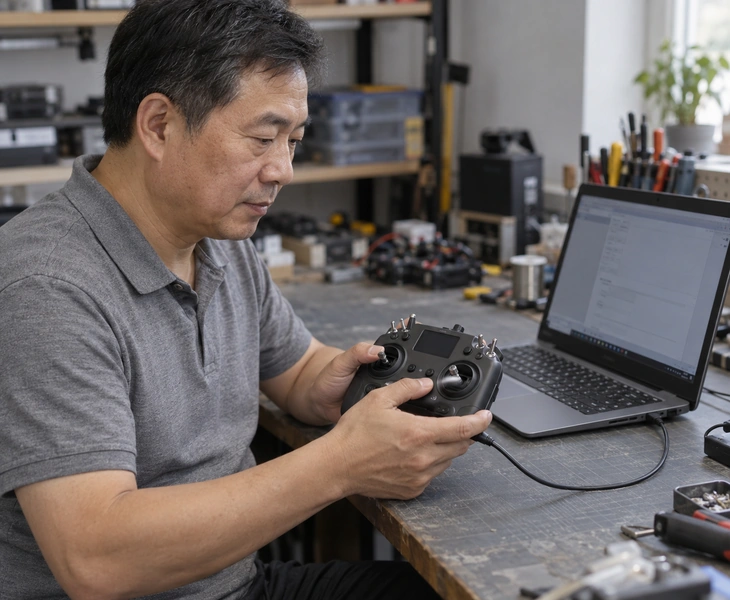
The G21 provides dual SBUS and USB-HID outputs. These are different connection formats, so select a configuration around the control interface used by your platform. The station's physical controls and output format must be considered together; a shared connector or protocol name alone does not establish compatibility with every vehicle or payload.
 View full-size image
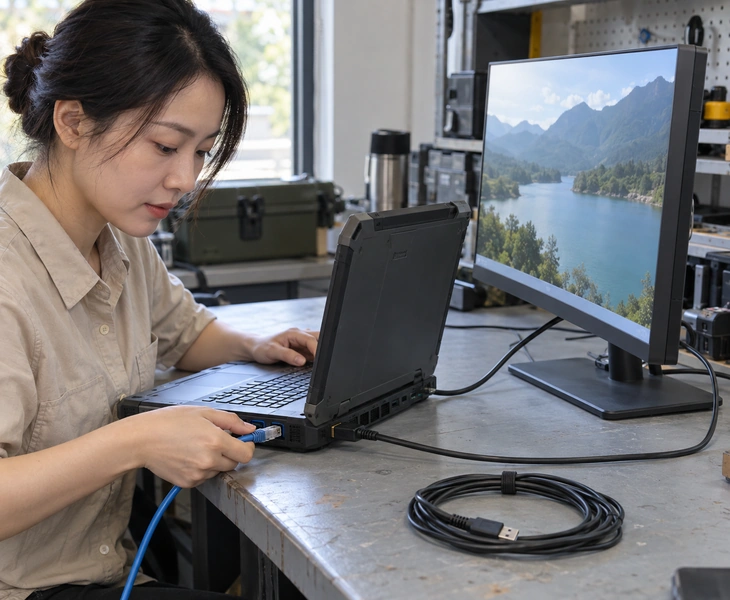
Models in this range provide different combinations of LAN, HDMI, USB and serial interfaces. The G21 includes external LAN and HDMI output; the M02 provides two network ports and two HDMI connections. Select the station around the video source, required display outputs and data connections in your system, rather than assuming every port performs the same role.
 View full-size image
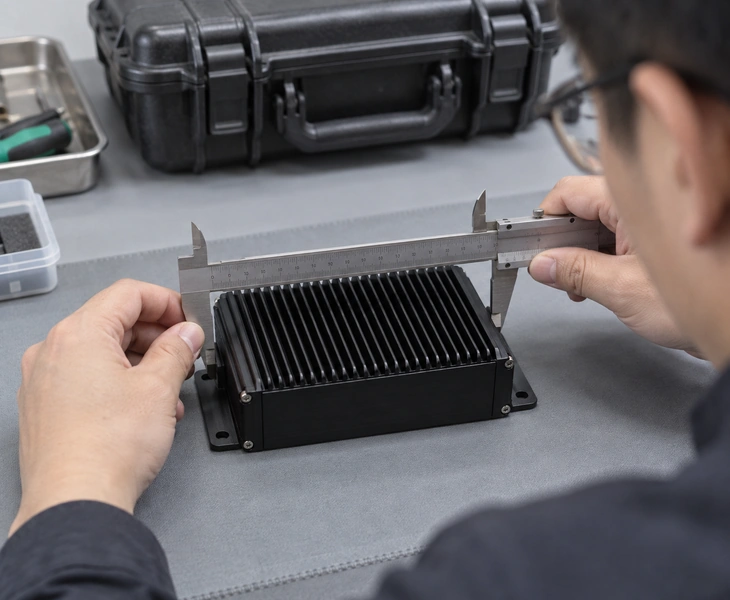
The G21 has 140 × 70 × 27 mm of internal reserved space, with 12 V power up to 3 A and external SMA connections. The M02 has its own internal space and interfaces. These provisions help identify a candidate station for a data link; the specific radio, dimensions, power and connection requirements still determine the configuration quoted. Reserved space and power are provisions for fitting a link; they do not identify a radio or airborne unit included in the order.
 View full-size image
The G21 specification lists a 16.8 V, 12 Ah battery, while the M02 has a DC 19 V external power interface. A handheld terminal and a larger case-based station also place different demands on transport and setup space. Xingkai uses the intended power arrangement and operating location when checking the proposed model and configuration for quotation.
 View full-size image
RF Development and Product Supply from Xingkai
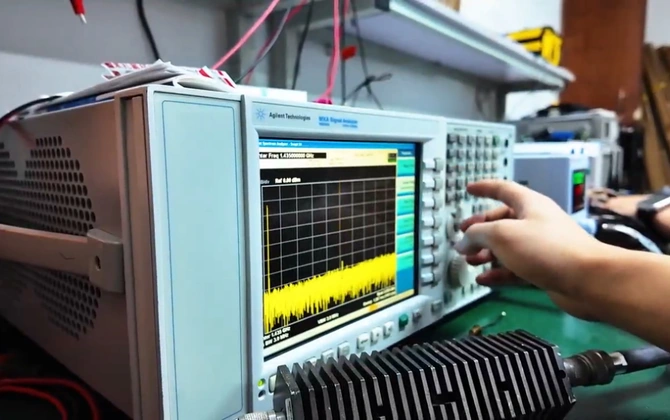

Xingkai develops and produces RF communication equipment and supplies related wireless products. Our technical focus covers RF communication, baseband units and image processing. Your quotation identifies the selected product model and included equipment, so the supply scope remains clear when the project also needs related hardware.
Select the Station Around the Operating Task
The operating task and setup conditions determine which display layout and physical controls deserve priority. Compare these uses alongside the model specifications.

For missions where video needs to remain visible while the operator works with vehicle information, start with a two-display format. The G21 combines upper and lower touchscreens with physical controls in one station. A compact handheld format gives priority to mobility over screen area. The software and video connections determine how the displays are used.

For a robot or ground-vehicle project with several control functions, the M02 combines three two-axis joysticks, eight customizable keys and two displays. It is a model to compare when physical control inputs and visual feedback both need to be available at the workstation. Include the vehicle and control connection requirements in the configuration enquiry.

For a project that needs a workstation transported to an operating site, the F203 brings two 17.3-inch displays and physical controls together in a case-based PC unit. Its listed dimensions of 968 × 406 × 155 mm and weight of less than 20 kg help you plan transport and setup space. Compare this format when a larger viewing area matters more than handheld portability.
Compare RC Video Ground Control Station Models
Use the range overview to shortlist the station format, then compare the listed configurations. The model and configuration included in your order are confirmed with the quotation and order conditions.
- Product Range
- Catalogue Model Configurations
- Additional Model Configurations
| Model | Format and Operating Role |
|---|---|
| XK-H10W | 10.1-inch handheld control terminal, available in Windows and Android versions |
| XK-G21 | Portable dual-screen ground control station |
| XK-M02 | Portable dual-screen station for ground-vehicle and robot operation |
| XK-GS300 (also XK-GCS300) | Single-screen, case-based PC ground control station |
| XK-F203 | Case-based dual-screen PC workstation |
| XK-M08 | 10.1-inch handheld PC ground control station |
| XK-GS420 | Case-based dual-screen ground control station |
| XK-H10 | Handheld ground control station |
| XK-G15 | 15.6-inch portable ground control station |
| XK-G22 | Portable dual-screen ground control station |
| XK-G25 | Dual-screen station with keyboard and physical controls |
| XK-G30 | Three-screen station with keyboard and physical controls |
| XK-GS403 | Case-based ground control station |
| XK50 | FPV ground control station with an 8.4-inch display |
| XF-F10 | 7-inch LCD RC/video control terminal |
XK-G21
| Parameter | Listed Configuration |
|---|---|
| Displays | Upper: 15.6-inch, 1920 × 1080; lower: 12.1-inch, 1280 × 800 |
| Touch Input / Brightness | 10-point capacitive touch on both displays / 1000 nits |
| CPU | Seventh-generation Intel i3/i5/i7 options; standard i5 |
| RAM | Standard 4 GB; up to 16 GB |
| SSD | Standard 128 GB; up to 3 TB |
| Operating System Options | Windows 7, Windows 10 or Linux, by configuration |
| Weight | 7.9 kg |
| External Interfaces | 2 × USB 3.0, 1 × LAN, 1 × HDMI output |
| Internal Interfaces | 2 × USB; 6 × RS232/RS422/RS485 |
| Control Outputs | 18 channels, dual SBUS, USB-HID |
| Internal Link Provision | 140 × 70 × 27 mm reserved space; 12 V, maximum 3 A; 2 external SMA connections |
XK-M02
| Parameter | Listed Configuration |
|---|---|
| Displays | Two 13.3-inch displays, 1920 × 1080 / 1000 nits |
| Touch Input | Lower capacitive touch; upper resistive touch optional |
| CPU / RAM / SSD | Intel i7-7500U / 8 GB DDR4 / 256 GB SSD |
| Operating System Options | Windows 10, Windows 7 or Linux, by configuration |
| Weight | 7.8 kg |
| External Interfaces | 2 network ports, 5 USB ports, 2 HDMI connections, 1 SIM slot, DC 19 V |
| Main Controls | Three two-axis joysticks, eight customizable keys and a knob |
| Internal Interfaces | 4 × RS232, DC 5 V / DC 12 V, 2 × USB, 1 × HDMI, 1 × LAN |
XK-F203
| Parameter | Listed Configuration |
|---|---|
| Displays | Two 17.3-inch displays, 1920 × 1080 / 1000 nits |
| CPU / RAM / SSD | Intel i7-6700T / 16 GB / 256 GB SSD |
| Operating System | Windows 10 |
| Dimensions / Weight | 968 × 406 × 155 mm / less than 20 kg |
| Panel Interfaces | 3 × USB, 1 × RS232, DC IN, HDMI, RJ45; N/SMA |
| Controls | 2 Hall-sensor joysticks, 4 toggles, 2 knobs, 4 buttons |
| Control Format | USB HID |
XK-G30
| Parameter | Listed Configuration |
|---|---|
| Displays | Three 15.6-inch displays, 1920 × 1080 / 1000 nits |
| CPU / RAM / SSD | Intel i7 / 16 GB / 256 GB SSD |
| Operating System | Windows 10 |
| Input | Keyboard, touchpad with left/right buttons, joysticks, toggles and knobs |
| Control Outputs | Dual SBUS, 18 channels / USB-HID |
| External Interfaces | 4 × USB, 1 × LAN, DC IN |
| Weight | 10 kg |
XK-M08
| Parameter | Listed Configuration |
|---|---|
| Display | 10.1-inch anti-glare capacitive touchscreen |
| Brightness | 600 cd/m² |
| CPU / RAM / SSD | Intel i7-7500U / 8 GB DDR4 / 256 GB SSD |
| Operating System | Windows 10, 64-bit |
| Interfaces | 1 network port, 4 USB ports, 1 HDMI, 1 audio interface, 1 SIM slot, 1 COM aviation connector, 1 LAN aviation connector |
| Controls | 1 emergency stop, 4 button switches, 8 customizable keys, 2 joysticks, 1 power button |
From Station Requirements to Supply
We confirm the model, configuration and order conditions with you before arranging supply and dispatch.
Tell us which ground control station or operating task you are considering and the quantity required. Include relevant software, display, control, video and power requirements so Xingkai can review the model and configuration.
Xingkai checks the model and configuration against the requirements provided, then supplies configuration and quotation information for your consideration.
You and Xingkai confirm the selected configuration, quantity and delivery conditions. These agreed details define the order to be supplied.
Xingkai arranges supply and dispatch according to the confirmed order conditions.
FAQs: RC Video Ground Control Station Procurement Questions
Ask for the selected station model and its display, PC and control configuration to be identified. If you need a complete vehicle-to-ground setup, also state whether the order should include a radio, airborne unit, antennas, cables or camera. An internal link compartment does not confirm those items are included. The confirmed configuration and order conditions define what Xingkai supplies.
Screen count does not establish how many vehicles a station can control. The G30’s three displays describe its workstation layout. Multi-vehicle operation also needs the relevant software and control-link arrangement; it cannot be inferred from that display specification. State the number of vehicles, operator roles and existing system when enquiring so Xingkai can check the proposed model and configuration for quotation.
An HDMI output listing does not establish an HDMI video input. The G21 specification identifies its external HDMI connection as an output. If your camera or receiver supplies HDMI video, include that source and the required input path in your enquiry. For network video, identify the stream format and software. Xingkai uses these requirements to check the configuration rather than treating every HDMI connection as interchangeable.
An operating-system option does not establish which mission software or licences are included. The model tables describe the listed PC and OS configurations. Identify the application and version you intend to use, and state whether you will provide the software or need it included in the quotation. Confirm those items with the selected hardware configuration before agreeing the order.
Request a range figure for the proposed radio configuration and its stated operating or test conditions. A terminal’s displays and PC specifications do not define the wireless link’s range. Include your intended distance, operating environment and existing radio, if any, in the enquiry. Those details let Xingkai check the station and link requirements for the configuration quotation.
Equipment to Consider Alongside the Control Station

Compare video and telemetry links for the vehicle-to-ground connection, with interfaces and configurations assessed alongside the station.

Explore COFDM video transmission equipment when selecting a wireless link for the project's video and data requirements.

Compare imaging payloads alongside the camera control interface, video connection and operating task required by the project.

Explore radio equipment for projects needing communication between multiple nodes, as a separate link choice from the control terminal.
Request a Ground Control Station Configuration Quote
Tell us about your vehicle or payload, preferred station format, software environment and quantity. Include the control and video interfaces, existing data link and power arrangement where relevant. Xingkai will check the model and configuration requirements and provide quotation information for your project.

