

Choose RF Equipment For Your Unmanned System
Compare equipment by the signal path, network arrangement and installation format you need. Use the selected-model index to open the actual product information, then confirm the hardware configuration before ordering.
Discuss Your Requirements
Choose The Product Family First
| Product Family | Start Here When You Need | Next Check |
|---|---|---|
| IP Mesh Radio | Networked IP communication between mobile or platform nodes. | Topology, firmware, interfaces and data requirements. |
| HD Video Data Links | A platform-to-ground video, telemetry and control path. | Camera output, encoder arrangement and control interfaces. |
| COFDM Wireless Transmission | Video transmission equipment and the corresponding receiver. | Video input/output and the required receiver configuration. |
| Ground Control Station | An operator interface and ground equipment for your platform. | Controller, ground software, ports and installed radio. |
| Gimbal Camera | An imaging payload for the system. | Video output, control interface and mechanical integration. |
Check The Controller & Software Configuration
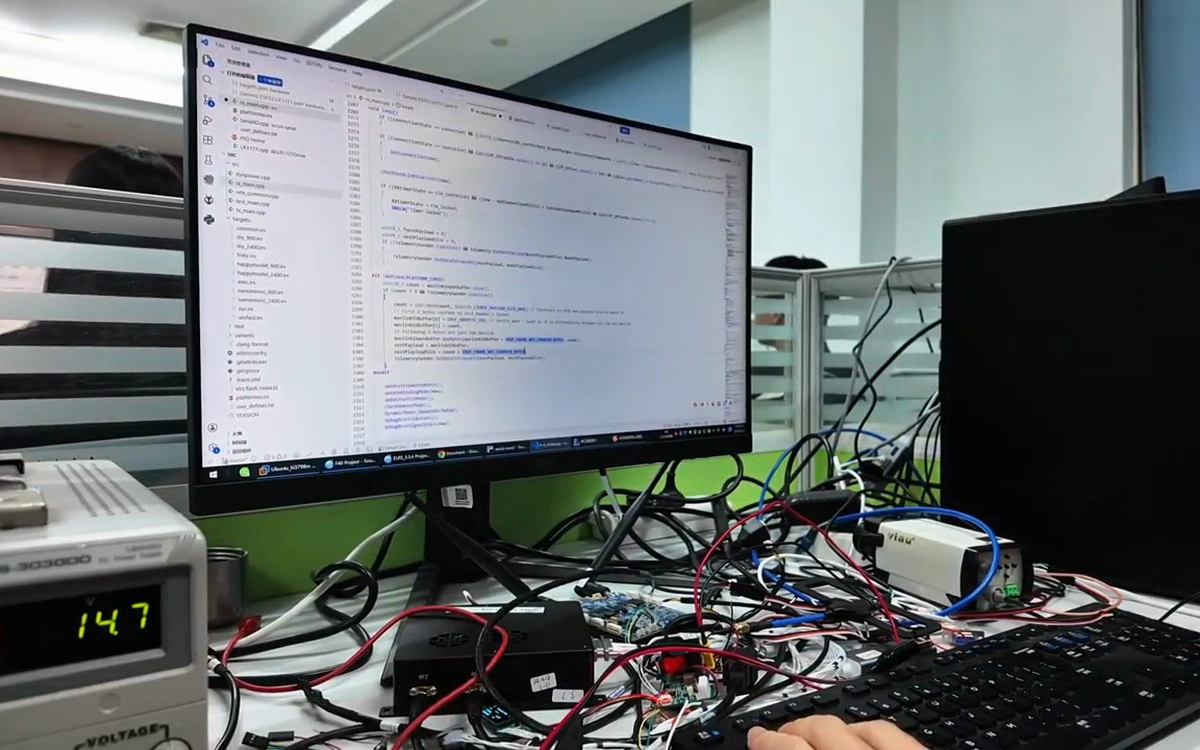
Identify the flight or robot controller, operating system and ground software before selecting the operator equipment. Review how video, telemetry and commands enter that software, and confirm the radio interfaces and versions that support the proposed arrangement.
Check The Three Interfaces
Payload Interface
How the camera, controller or sensor outputs its data.
Radio Interface
How the radio accepts and forwards those signals.
Ground Interface
How software and control equipment receive or use them.
Search The 35 Selected Models
Search a model number or filter by family. This index helps you locate the product record; it does not replace a compatibility or configuration review.
35 models shown
No matching model. Ask About Your Equipment
Agree The Operating Conditions Before Evaluation
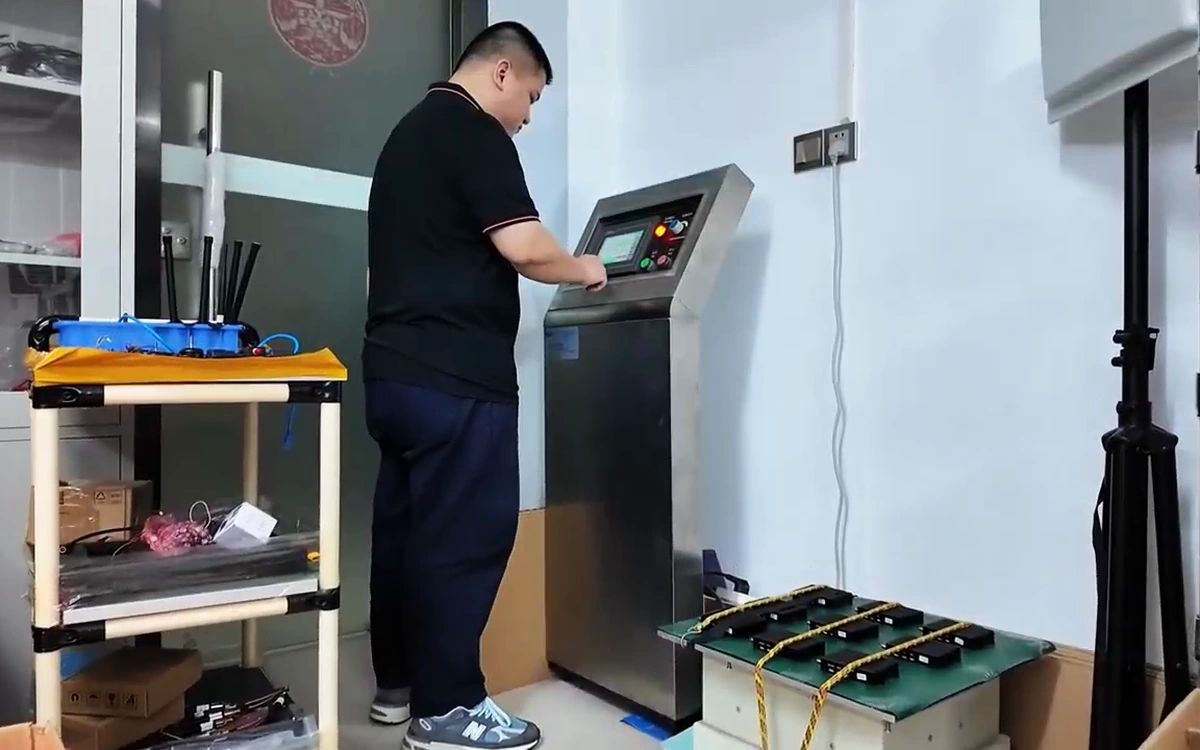
Describe the temperature, installation, supply power and route conditions the equipment will face. Discuss the evaluation scope for the selected hardware and request records for those conditions, rather than assuming that a test setup applies to every model.
Compare Specifications Under The Same Conditions
| Compare | Keep The Basis Consistent |
|---|---|
| Distance | Operating height, route, antennas, radio configuration and data rate. |
| Data performance | Radio throughput and the complete payload/video path are different measurements. |
| Mechanical fit | Equipment enclosure, connector clearance and mounting envelope. |
| Compatibility | Exact model, hardware revision, firmware and required protocols. |
| Order configuration | Included accessories, receiving equipment and applicable documentation. |
Keep The Selection Moving
Equipment Selection Questions
Can I compare products using their maximum distance?
Only when the test setup and data requirements are comparable. Ask for the antenna, operating height and configuration behind each quoted result.
What should I send if I do not know the model?
Describe the platform, camera/controller interfaces, data requirements, available power and mounting space.
Does a Mesh label guarantee interoperability?
No. Different radio families can use different waveforms and configurations. Ask for the exact-model compatibility review.
How do I choose a ground station?
Provide the controller, ground software, video output and operator functions. Confirm the operating system and installed radio configuration.
Are model suffixes interchangeable?
Keep the complete model number and revision. Similar names or suffixes may identify different equipment or configurations.
What needs confirming before procurement?
The hardware version, approved specification, included items, quantity, destination and agreed commercial terms.
Turn Your Shortlist Into A Configuration Review
Share the models you are considering and the system they need to connect.

