

Technical Support For Your Xingkaitech Equipment
Make the model, hardware version and signal path clear when you request support. Share the behaviour you see and the configuration you are using so the question can be reviewed against the correct equipment.
Discuss Your Requirements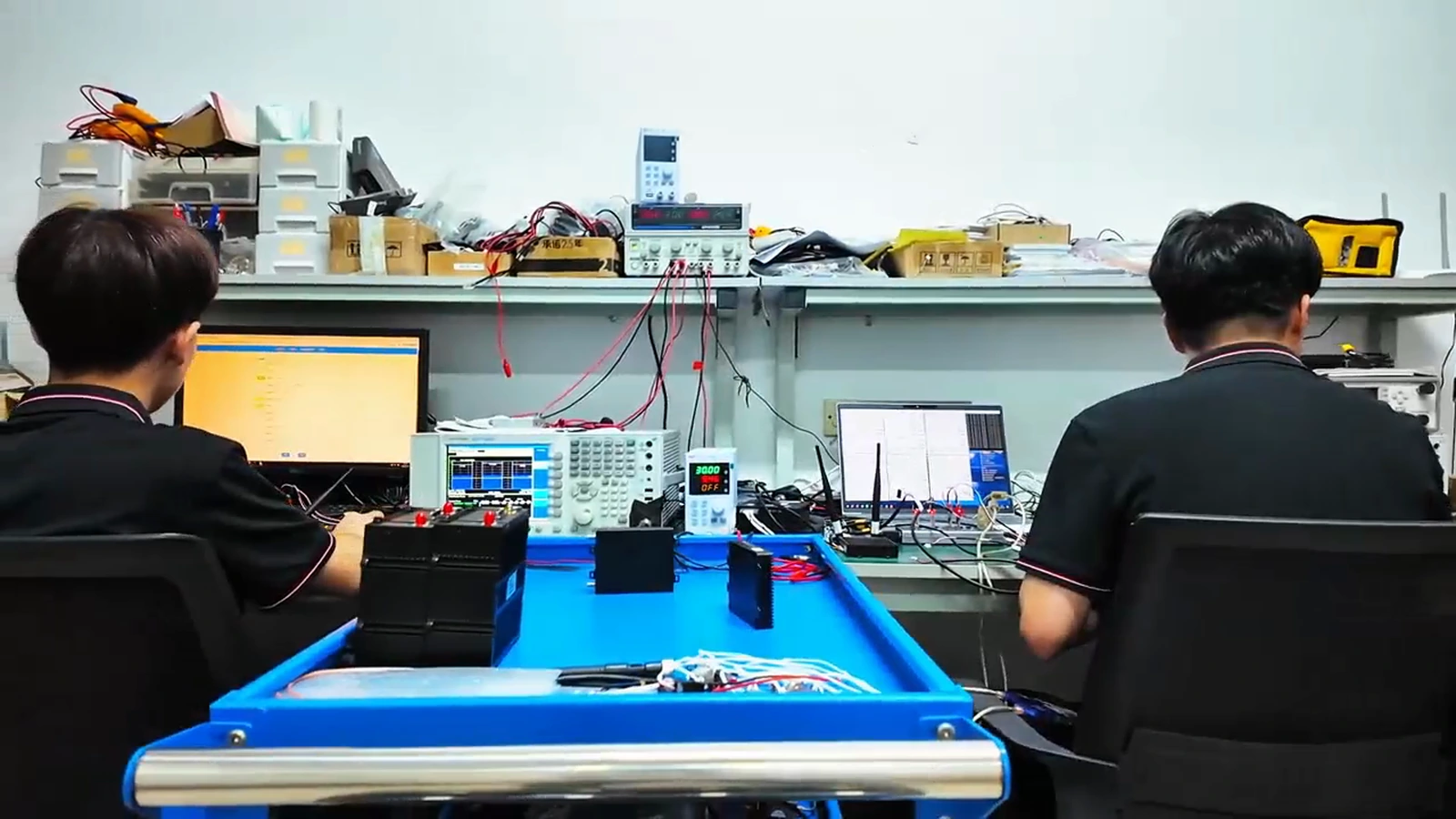
Choose What You Need Help With
Select Equipment
Describe your platform, interfaces and available power.
Help Me Select EquipmentReview An Integration
Identify both ends of the link, camera output and control software.
Review My IntegrationRequest A Document
Specify the model, revision and drawing, specification or record needed.
Request Model DocumentationA Useful Technical Request
| Include | Why It Helps |
|---|---|
| Model & revision | Identifies the hardware and applicable documentation. |
| Software or firmware version | Defines the configuration being used. |
| Connected equipment | Shows camera, controller, encoder and ground-software interfaces. |
| Configuration & topology | Describes the endpoints, nodes and how data is expected to move. |
| Observed behaviour | Separates the expected result from the actual symptom. |
| Screenshots or records | Provides the settings or results relevant to the issue. |
Describe The Problem In A Repeatable Way
Identify
Name the hardware and version.
Describe
Explain the connections and settings.
Compare
State what you expected and what happened.
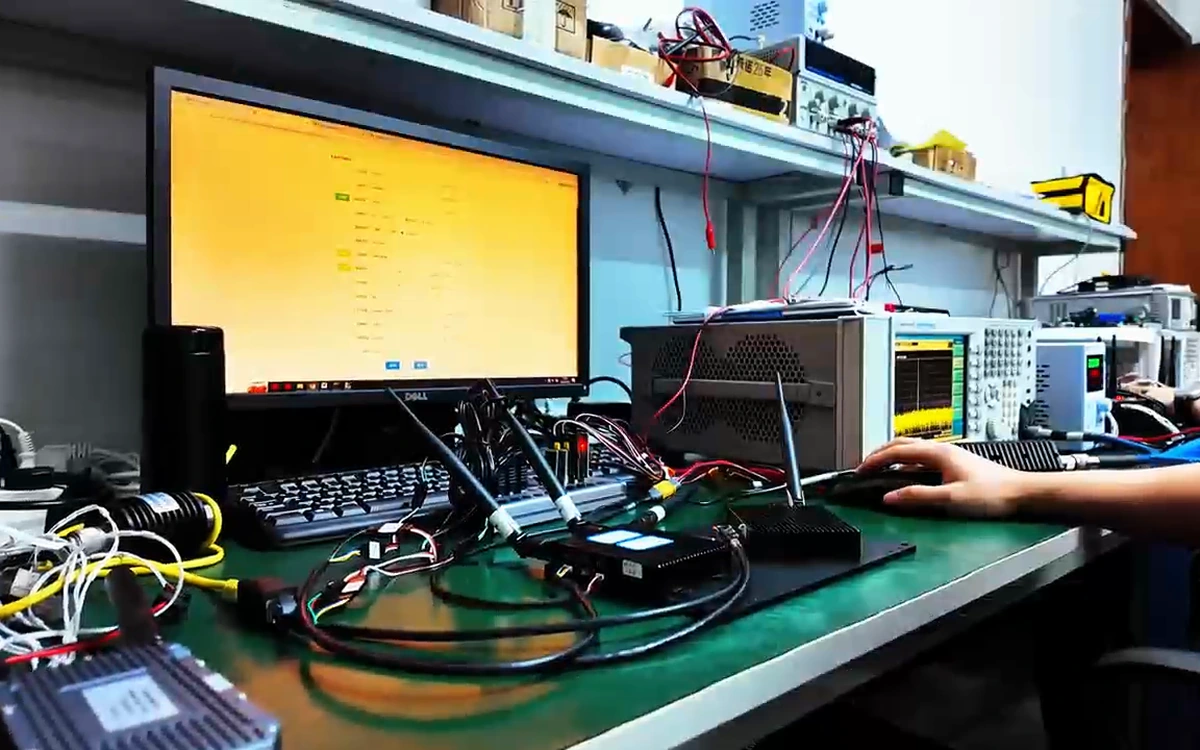
Keep The Radio & Operator Equipment In View
An integration question may involve the radio, ground station, software and connected devices. Send the complete arrangement and the model numbers on both ends, rather than only a single headline specification.
Request The Applicable Software & Documents
Firmware, connector drawings and reports must match the hardware version. If the exact file is not in the public catalogue, request it with the model and revision instead of using another model’s file.
Find Answers Before You Send Your Request
Technical Support Questions
What information should I send for a link issue?
Include both model numbers, versions, connections, settings and the expected versus observed result. Add relevant screenshots or logs.
Can I request a connector drawing?
Yes. Give the complete model number and hardware revision so the drawing can be matched to your unit.
Where can I download firmware?
Request the appropriate firmware and installation guidance for your exact hardware. This page does not offer an unverified generic firmware file.
Can I use the same settings on every radio family?
The applicable settings depend on the radio and software version. Confirm the required configuration for both ends of the link.
How should I describe a camera issue?
Identify the camera output, encoder, radio interfaces and receiving software. Include where in the signal path the expected video stops appearing.
How are repair or warranty enquiries handled?
Provide the model, serial information and issue description. Request the applicable service terms and agreed next steps for the equipment.
Send The Details Behind Your Technical Question
Model, version, connected equipment and observed behaviour make the request easier to review.

