
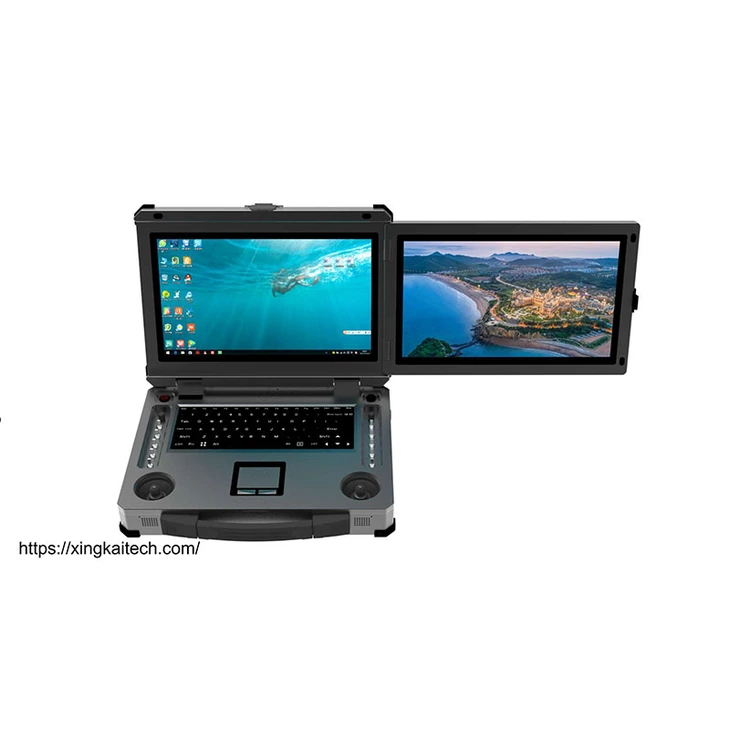
XK-G25 Dual-Screen Ground Control Workstation
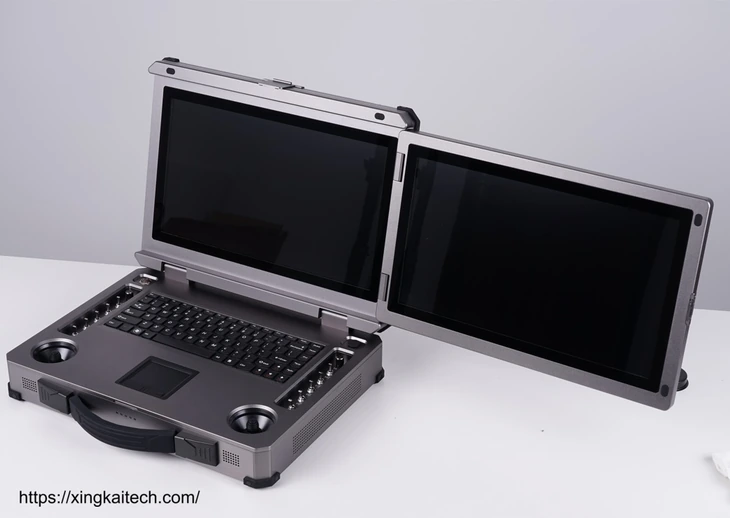
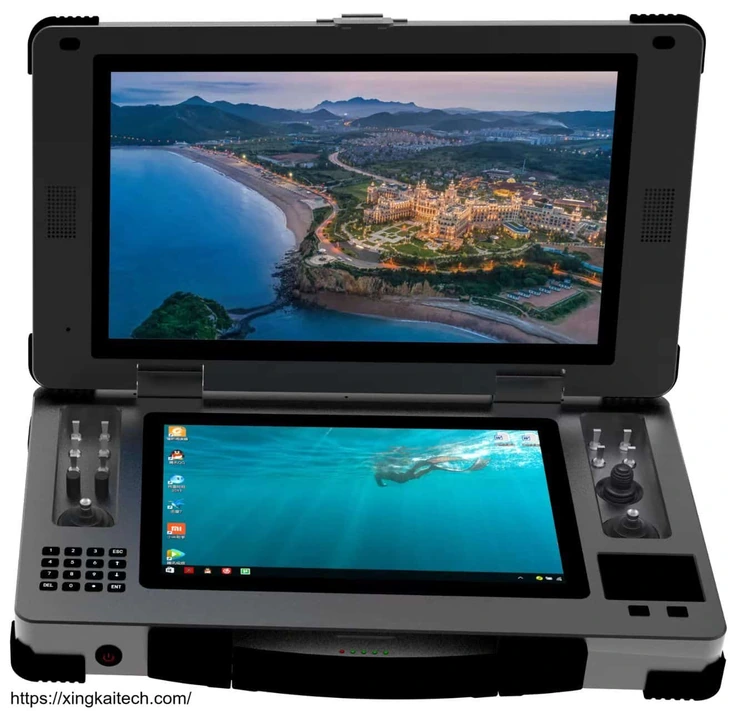
XK-G25 is a portable ground control workstation with two 15.6-inch touchscreens and a keyboard, touchpad and physical controls. Its layout suits companies that need two substantial display areas in a PC-based terminal for unmanned-system operation.
- Two 15.6-inch display areas provide room for separate working views; the software determines their arrangement.
- The listed PC configuration is Intel i7, 16 GB memory, a 256 GB SSD and Windows 10.
- Dual SBUS with 18 channels and USB-HID provide the listed control-output choices.
- The aluminium-alloy chassis includes silicone protection pads, with a listed 10 kg station weight for transport planning.
XK-G25 Dual-Screen Ground Control Workstation Overview
The G25 is a dual-screen option for projects that want two 15.6-inch display areas rather than a smaller secondary screen. A keyboard and touchpad support PC interaction, while flight joysticks, a thumb joystick, switches and knobs retain physical control inputs. Each group of inputs serves a different part of the operating task.
The listed PC uses Intel i7, 16 GB memory and a 256 GB SSD with Windows 10. The display specification lists 1920 × 1080 resolution and 1000 nit brightness. Those hardware values support configuration comparison; the selected application still determines the views and control assignments.
Xingkai checks the requested PC, display and connection arrangement, then quotes the station and agreed accessories. At a listed 10 kg, this is a workstation to transport and set up rather than a light handheld controller. Compare that deployment choice against the views and physical controls your project actually needs.
Technical Specifications
The table describes the listed hardware configuration. The quotation identifies the configuration and accessories supplied for your order.
| Parameter | Listed configuration |
|---|---|
| Display layout | Dual 15.6-inch touchscreen workstation |
| Listed display resolution | 1920 × 1080 |
| Listed display brightness | 1000 nit |
| CPU | Intel i7 |
| Memory | 16 GB |
| Storage | 256 GB SSD |
| Graphics | Intel 620 integrated graphics |
| Operating system | Windows 10 |
| PC input devices | Standard keyboard; touchpad with left/right buttons |
| Network | 1 Gigabit Ethernet port |
| External connections | 4 × USB; 1 × LAN; DC input |
| Control output | Dual SBUS, 18 channels; USB-HID |
| Controls | 2 flight joysticks; 1 thumb joystick; 8 three-position and 2 two-position switches; 2 knobs; configurable control arrangement |
| Enclosure | Aluminium alloy; 8 shock-absorbing silicone pads |
| Weight | 10 kg |
| Operating temperature | −10 to +45 °C |
Connections and Integration
G25 separates PC input from control output: the keyboard and touchpad operate the application, while dual SBUS with 18 channels or USB-HID provides the selected system-control connection. List the video/network source and USB peripherals against its one LAN and four USB ports.
Xingkai checks the terminal allocation and chosen output format, then quotes the station and required connection equipment. The two 15.6-inch displays provide viewing areas; receiver, radio and application items remain explicit parts of the supply scope.
Configure and Order Your Station
Describe the two-screen application layout, PC requirements, control format and required quantities. Xingkai checks the XK-G25 station configuration and identifies the required accessories in the quotation.
Confirm the supplied hardware, accessories, quantities and delivery terms before ordering.
For the two 15.6-inch G25 displays, send the required application views and confirm the listed i7, 16 GB, 256 GB SSD and Intel 620 reference or a separately specified PC request. Include the dual-SBUS/18-channel or USB-HID choice, connected equipment and quantities.
Xingkai checks the G25 PC/display arrangement and selected control connection, then quotes the station, agreed mapping scope and video/interface accessories. The equipment list identifies receiver and radio items separately, with the supplied PC version and two-screen video arrangement recorded together.
Agree on the hardware configuration, accessories, quantities and delivery terms before proceeding.
Xingkai supplies and ships according to the confirmed order.
FAQs
Identify which application receives keyboard/touchpad input and which accepts the physical-control output. State what must happen when the operator selects a window on the other screen, and give the application versions and required control assignments. The G25’s two touchscreens and USB-HID/SBUS choices do not establish independent control routing between applications. Have the proposed focus and mapping behaviour agreed before relying on one application to remain controllable while another is selected.
Describe the payload functions, accepted control-input format and the controls or channels you want assigned to each action. The station’s joysticks, switches and knobs are hardware resources, not proof that a particular mapping is already implemented. Xingkai checks the requested arrangement for the quotation, and the selected system must determine how those inputs operate the payload.
The technical table lists Intel 620 integrated graphics. If the application requires additional graphics hardware, state that requirement separately and check the component list in the quotation. Do not treat a general upgrade description as the supplied configuration. Xingkai identifies the proposed PC configuration; application performance or a particular graphics option requires its own agreed scope.
Separate the G25 station from loose receiver/radio equipment, power items, antenna leads and terminal cables. Identify what is integrated in the quoted workstation and what your team must connect at the operating location, with a package count and cable-end identification for the separate items. The listed 10 kg station entry does not define that complete shipment. Use the agreed assembly and loose-item list to plan transport and deployment responsibilities.
Send the current station’s full model, PC and operating-system configuration, application version and control-output arrangement. Identify the video sources and radios already in use. Xingkai checks the proposed replacement before quoting it. A similar two-screen layout does not establish identical electrical connections, software behaviour or pairing with equipment in the existing installation.
Compare Related Stations

Three built-in 15.6-inch display areas for projects that need more working information visible together at the station.
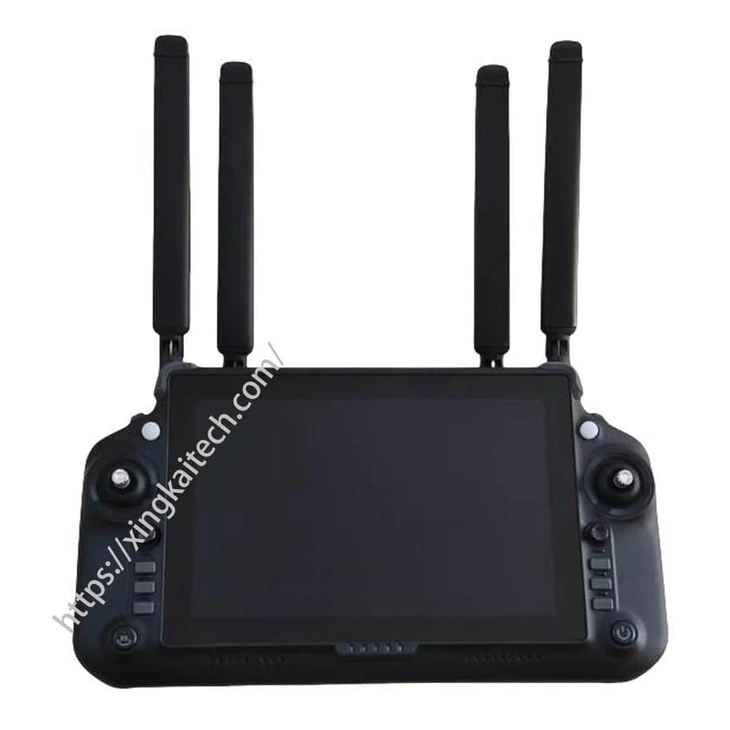
An RK3588-based terminal with an 8.4-inch touchscreen and selectable memory and storage for a different terminal configuration.
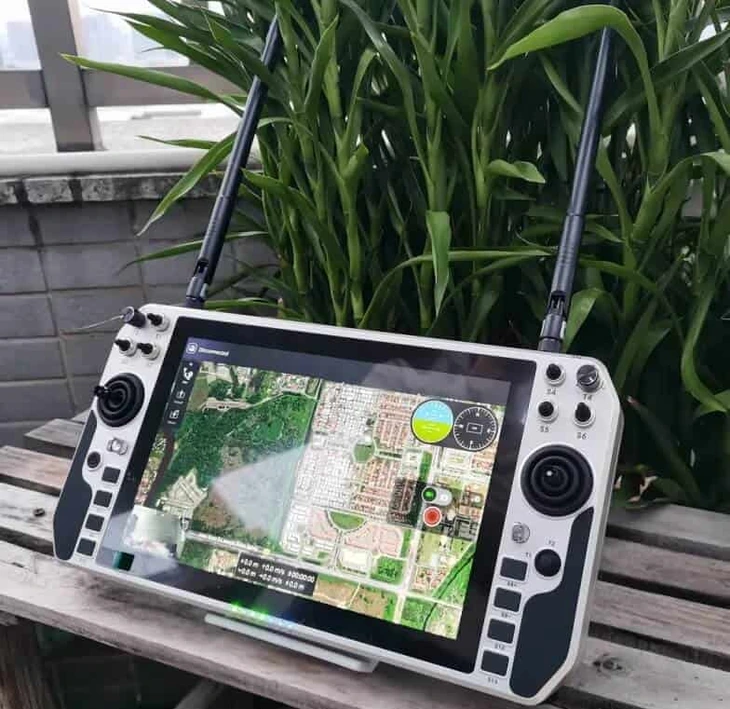
Compare a handheld ground control station when the operating position and carrying arrangement differ from a PC workstation.
Consider another portable ground control station and ask Xingkai to compare its display and connection configuration with your project.
Request a Configuration Quote for XK-G25
Tell us the two-screen application layout, PC requirements, control format and required quantities. Include the connected equipment and any radio, receiver or application expected in the supply. Xingkai checks the XK-G25 configuration and provides a station and accessory quotation.