
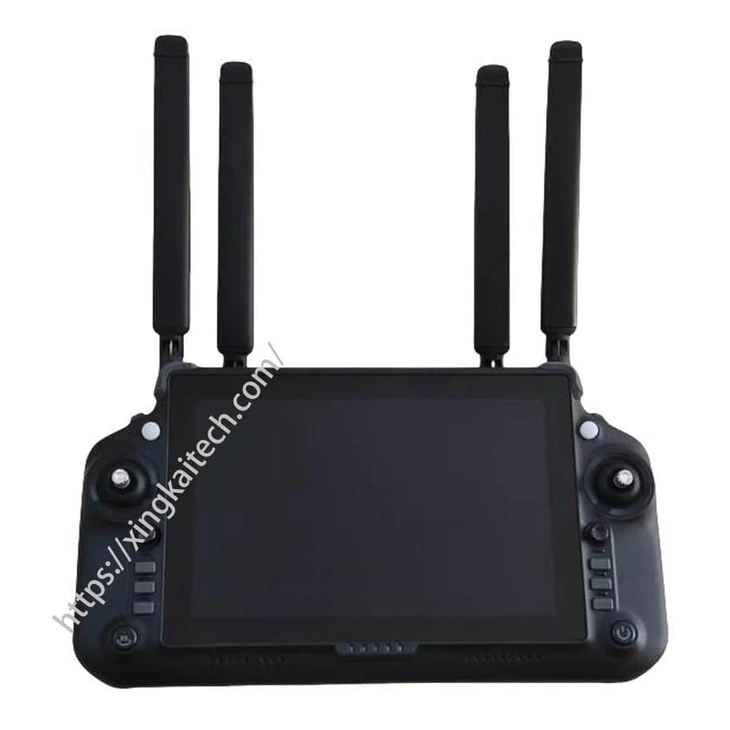
XK50 RK3588 Ground Control Terminal
XK50 is a ground control terminal built around the RK3588 computing platform and an 8.4-inch touchscreen. Companies specifying a portable control interface can compare its display, memory and storage choices while defining the radio and remote equipment separately for the intended system.
- The 8.4-inch display is specified at 2560 × 1600 and 60 Hz, with 10-point capacitive touch.
- RK3588 combines four A76 and four A55 CPU cores, with a listed NPU capability of 6 TOPS at INT8.
- 8, 12 or 16 GB RAM and 32, 64 or 128 GB eMMC storage are configuration choices, not one combined default specification.
- USB Type-C connections support the listed charging and firmware functions; Wi-Fi and Bluetooth are described for nearby connections.
XK50 RK3588 Ground Control Terminal Overview
XK50 provides an RK3588-based terminal option for projects that need a compact screen interface and selectable memory and storage. The 8.4-inch panel has a listed 2560 × 1600 resolution and 10-point capacitive touch. Its display specification is useful for comparing interface detail, while the application determines the information actually shown.
The computing platform uses four A76 and four A55 CPU cores. RAM and eMMC capacities are offered as separate configuration choices, so the required pair should be stated rather than treated as a maximum configuration supplied by default.
Xingkai checks the terminal configuration, system connections and proposed radio scope before quoting. The listed Wi-Fi and Bluetooth connections serve nearby networking or serial communication; they should not be treated as the long-distance video link. That separation helps identify the terminal, radio, remote units and accessories required by the project.
Technical Specifications
The table describes the listed hardware configuration. The quotation identifies the configuration and accessories supplied for your order.
| Parameter | Listed configuration |
|---|---|
| Computing platform | RK3588 |
| CPU architecture | 4 × A76 + 4 × A55 |
| Listed NPU capability | 6 TOPS at INT8 |
| RAM choices | LPDDR4x; 8 / 12 / 16 GB |
| eMMC choices | 32 / 64 / 128 GB |
| TF-card listing | MicroSD; 32 GB |
| Display | 8.4 in; 2560 × 1600; 60 Hz |
| Maximum backlight brightness | 1200 nit |
| Touch input | 10-point capacitive |
| Battery-cell listing | 8 × 3500 mAh; two sets of 4S1P |
| Charging listing | USB Type-C; 5 / 12 / 20 V; maximum 3 A |
| Near-range wireless | Wi-Fi and Bluetooth at 2.4 GHz |
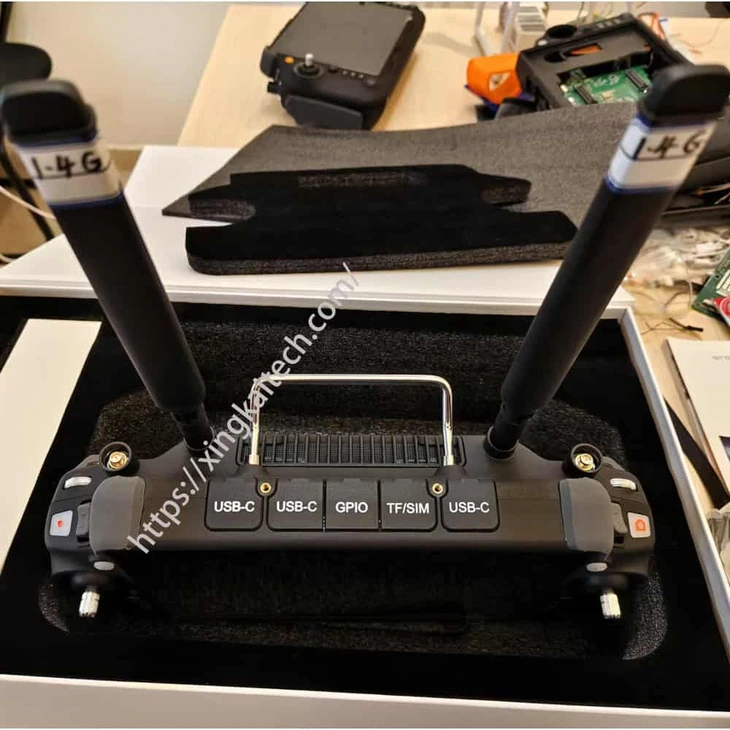
| USB connections | 2 × USB Type-C; one supports firmware download/update |
| GPIO connectors | 2 × GH1.25-12P; firmware/debug and configurable network functions |
| Speaker power | 1 W |
Connections and Integration
The photo shows three covers marked USB-C; the listed specification gives two USB Type-C channels. Supplied interfaces are confirmed in the quotation.
The XK50 separates nearby Wi-Fi and Bluetooth functions from the radio arrangement required by the unmanned system. Wi-Fi is described for connecting to a nearby router, while Bluetooth serves nearby wireless serial communication. Neither listing establishes a long-distance video connection.
The GPIO and USB Type-C connectors also have firmware and configuration roles. Xingkai checks the required connection functions and supplied configuration for the quotation. A connector or optional network function should not be treated as a ready-connected Gigabit port without specifying its implementation.
Configure and Order Your Station
Describe the RAM and storage choices, application and interface requirements, radio scope and quantities. Xingkai checks the XK50 station configuration and identifies the required accessories in the quotation.
Confirm the supplied hardware, accessories, quantities and delivery terms before ordering.
Send the RAM and storage choices, application and interface requirements, radio scope and quantities. Identify the equipment already installed and the additional components you expect in the supply.
Xingkai checks the requested model and configuration, then quotes the station and agreed accessories.
Agree on the hardware configuration, accessories, quantities and delivery terms before proceeding.
Xingkai supplies and ships according to the confirmed order.
FAQs
Separate the local network task from the data that must reach the remote platform. Describe what uses the nearby router and what needs a dedicated platform-to-station radio link. The quotation should identify the terminal-side link equipment and the remote counterpart, along with their connections. Wi-Fi or Bluetooth support alone does not define which long-distance radio units are included in the order.
The listed 6 TOPS at INT8 is a computing-platform capability, not a test result for your application. Identify the software, model or workload, required runtime and memory requirements when specifying the terminal. Xingkai checks the requested terminal configuration for quotation; confirm the operating environment and application requirements separately. The NPU figure alone does not establish that a particular AI application is installed or supported.
No. One connection is described for remote-control-board firmware updates and tablet debugging; the other can be used as a Gigabit network connection when configured for that purpose. Identify the required network function, connector wiring and cable arrangement in the enquiry. Confirm the selected implementation before connecting project equipment, so the firmware and debugging connection is not mistaken for a ready-to-use data-network port.
Do not assume that the connector alone establishes a suitable charging arrangement. Check the supply’s supported output and charging behaviour against the selected terminal configuration, and identify the charger and cable expected in the order. Xingkai specifies the agreed equipment in the quotation. The listed voltage and current choices are charging references, not evidence that every USB-C supply provides them correctly.
Request an interface/function plan for the supplied XK50 identifying its two USB Type-C channels, the channel used for firmware download/update and the selected implementation of any optional wired-network function. State which tasks must be available at the same time, then list the required leads, adapters and configuration work with their supply responsibilities. Two Type-C channels do not establish a third USB path or simultaneous support for every proposed task; agree that arrangement before ordering the accessories.
Compare Related Stations
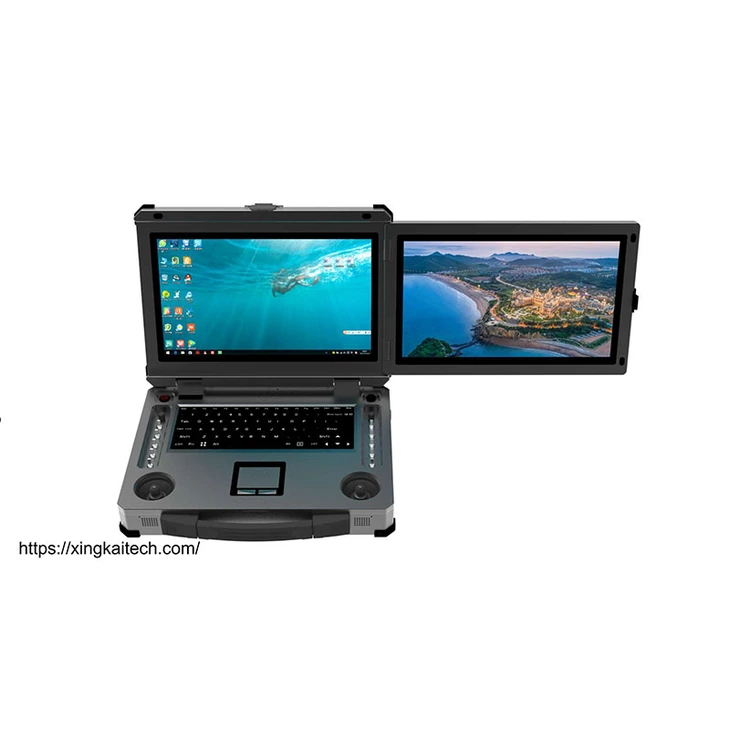
Dual 15.6-inch display areas with a keyboard and physical controls for projects selecting a PC-based ground workstation.

Three built-in 15.6-inch display areas for projects that need more working information visible together at the station.
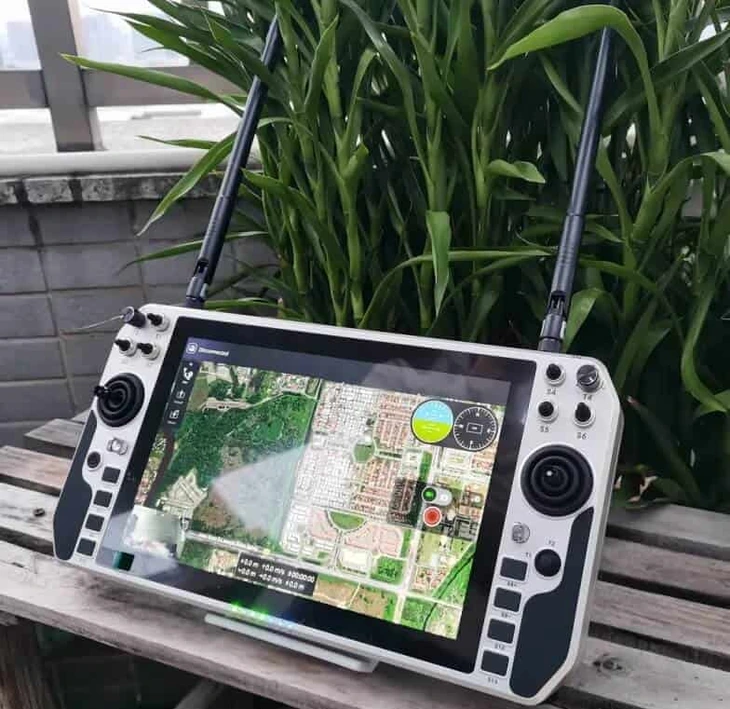
Compare a handheld ground control station when the operating position and carrying arrangement differ from a PC workstation.
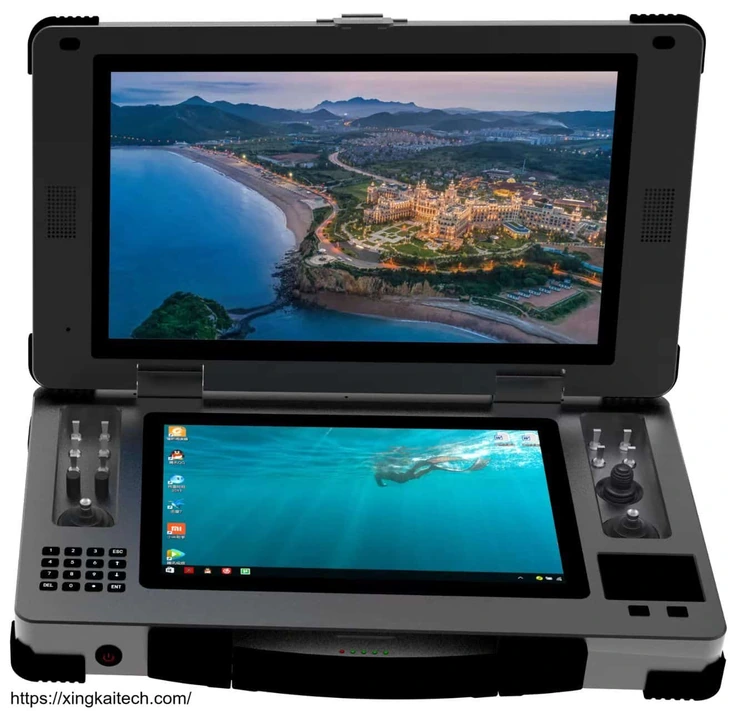
Consider another portable ground control station and ask Xingkai to compare its display and connection configuration with your project.
Request a Configuration Quote for XK50
Tell us the RAM and storage choices, application and interface requirements, radio scope and quantities. Include the connected equipment and any radio, receiver or application expected in the supply. Xingkai checks the XK50 configuration and provides a station and accessory quotation.