
XK-F112THS HDMI, SDI and CVBS COFDM Video Transmitter
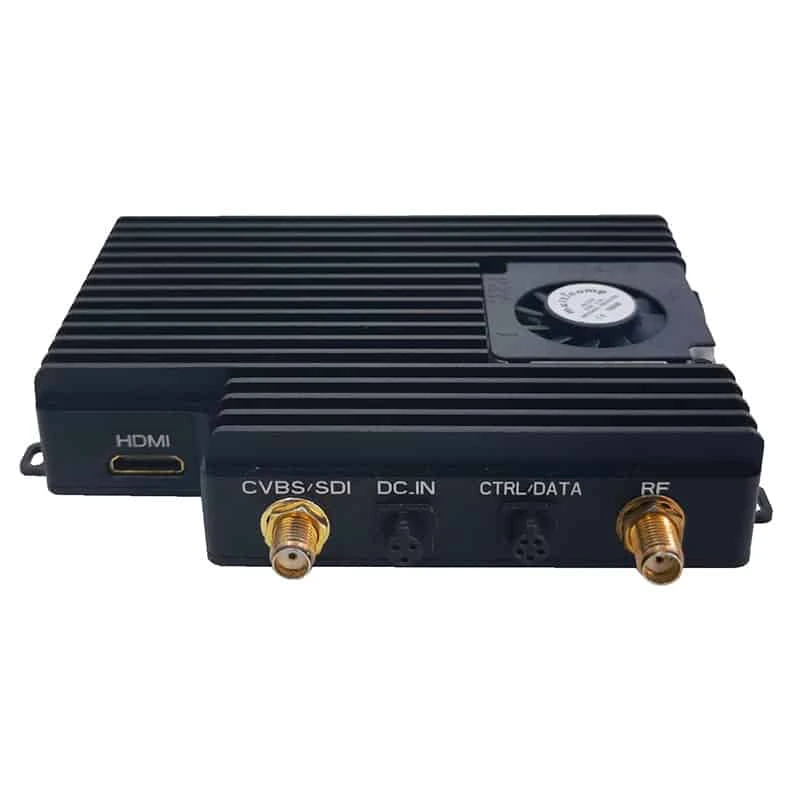
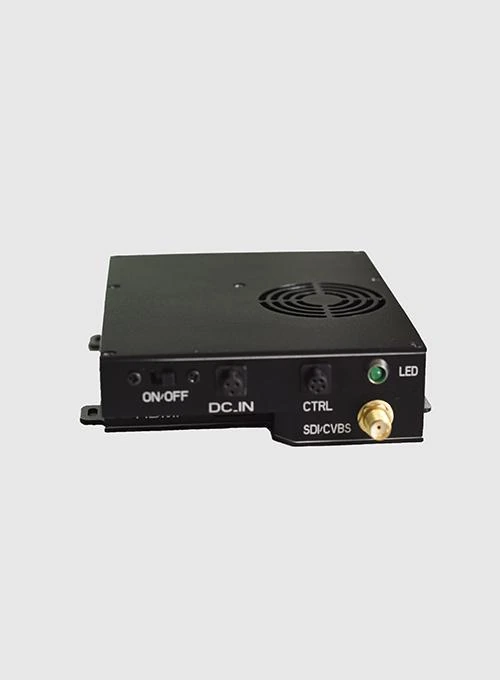
Integrate a digital or analogue camera into a COFDM video link. XK-F112THS lists HDMI, SDI and CVBS inputs, making it a candidate when the video-source interface is the first selection decision.
- HDMI, SDI and CVBS input choices accommodate different camera output types.
- H.264/AVC video encoding supports the listed formats up to 1080p60.
- 30 dBm (1 W) RF output with ≤14 W consumption provides a defined transmitter power condition.
- 8–25 V DC input, nominal 12 V, allows the listed supply range to be checked against your platform.
XK-F112THS HDMI, SDI and CVBS COFDM Video Transmitter Overview
XK-F112THS gives projects using HDMI, SDI or CVBS cameras a COFDM transmitter with a documented input choice. That is useful when selecting a wireless video unit around an existing camera rather than replacing the video source to match the radio.
The listed configuration uses H.264/AVC encoding and a customizable 300–800 MHz frequency range. Xingkai checks the camera signal and receiving arrangement, then quotes the selected transmitter configuration, units and accessories. Input formats and receiver decoding should be agreed together; the presence of several connector types does not establish simultaneous multi-camera operation.
Technical Specifications
Listed configuration. The quotation identifies the supplied units and accessories.
| Parameter | Listed configuration |
|---|---|
| Video inputs | HDMI / SDI / CVBS |
| Video encoding | H.264/AVC |
| Video formats | Listed formats up to 1080p60 |
| Frequency configuration | 300–800 MHz customizable; 1 MHz step |
| RF output | 30 dBm (1 W) |
| Power input | 8–25 V DC; nominal 12 V |
| Power consumption | ≤14 W at 30 dBm (1 W) |
| Channel bandwidth | 2 / 3 / 4 / 6 / 7 / 8 MHz |
| Video bitrate | 0.5–18.8 Mbps |
| Configuration port | RS232; 9600 baud |
| Data port | RS232; 1200–115200 baud |
| Encryption | AES128 / AES256 |
Connections and Integration
Use the input that matches the selected camera output: HDMI, SDI or CVBS. The transmitter also lists an RS232 data port at 1200–115200 baud and an RS232 configuration port at 9600 baud. Xingkai checks the source format and proposed receiver configuration when specifying the link; cameras, receivers and interface accessories should each be identified in the quotation.
Configure the F112THS Camera and Receiver Pair
Specify the F112THS around the camera output you will use—HDMI, SDI or CVBS—and an H.264 receiving arrangement. The quotation identifies the selected 1 W transmitter configuration, frequency and bandwidth, receiving units and accessories required for the agreed scope.
Send the camera output and its resolution/frame rate or analogue signal standard, the receiver model and available supply. Include the required channel and transmitter/receiver quantities.
Xingkai checks the selected video input, H.264 receiving arrangement and frequency requirement within the customizable 300–800 MHz range. The quotation specifies the proposed channel bandwidth, units and accessories.
Agree the source format, radio settings and supplied units. Check the platform supply against 8–25 V DC and the listed ≤14 W condition at 1 W RF output, then confirm quantities and delivery terms.
Xingkai supplies and ships the agreed F112THS transmitter configuration and listed receiving equipment and accessories according to the confirmed order.
FAQs
That depends on the source formats and the receiving configuration; the input list alone does not establish automatic switching. Send both camera models and output formats plus the receiver details so Xingkai can check the proposed arrangement before you select the units.
A listed HD output capability does not add detail that is absent from an analogue source. Provide the camera signal standard and intended receiving display format when specifying the video arrangement.
F112THS lists a 9600-baud configuration port and a separate data port covering 1200–115200 baud. Keep the transmitter-configuration task and application-data connection separate when specifying the cables and terminal settings. The data port’s wider baud-rate range does not establish that it replaces the setup port. Identify which terminal will configure the transmitter and which will exchange the application data.
Its listed customizable frequency range is 300–800 MHz. A transmitter-only replacement cannot be planned around an unchanged channel outside that range. First establish whether the existing receiver can be configured for the proposed frequency and bandwidth and decode the F112THS H.264 stream with the intended encryption settings. If that receiving configuration is not established, include receiving-equipment selection in the quotation instead of specifying only a transmitter swap.
Specify the deployment country or region and any assigned channel requirements, together with the receiver in use. The customizable frequency range is a product capability, not permission to operate on any frequency.
Compare Related Models
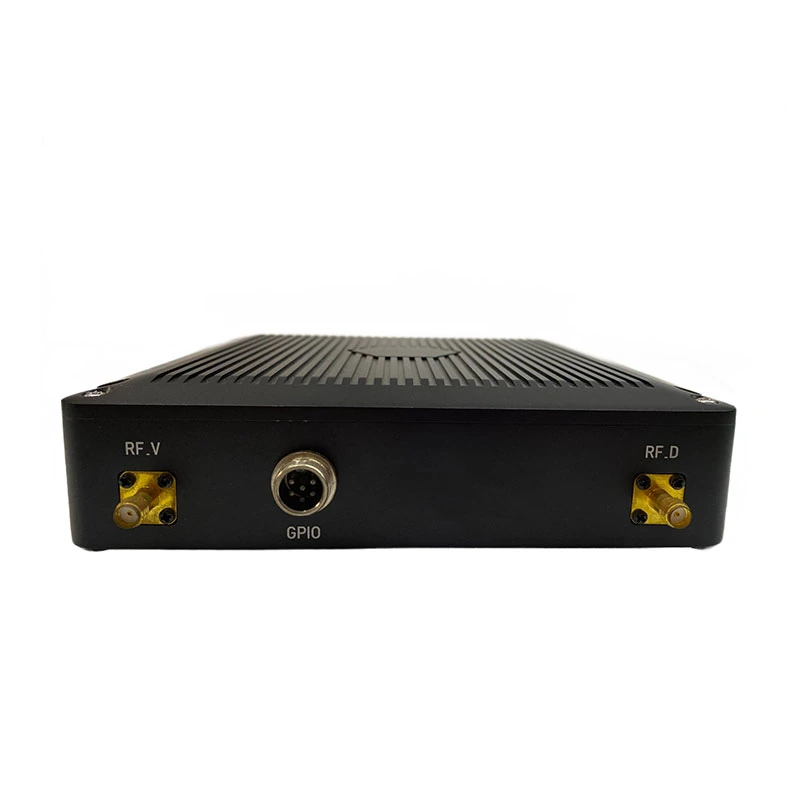
Four-SDI-Input COFDM Video Transmitter. Compare the documented interfaces and supplied configuration for your project.
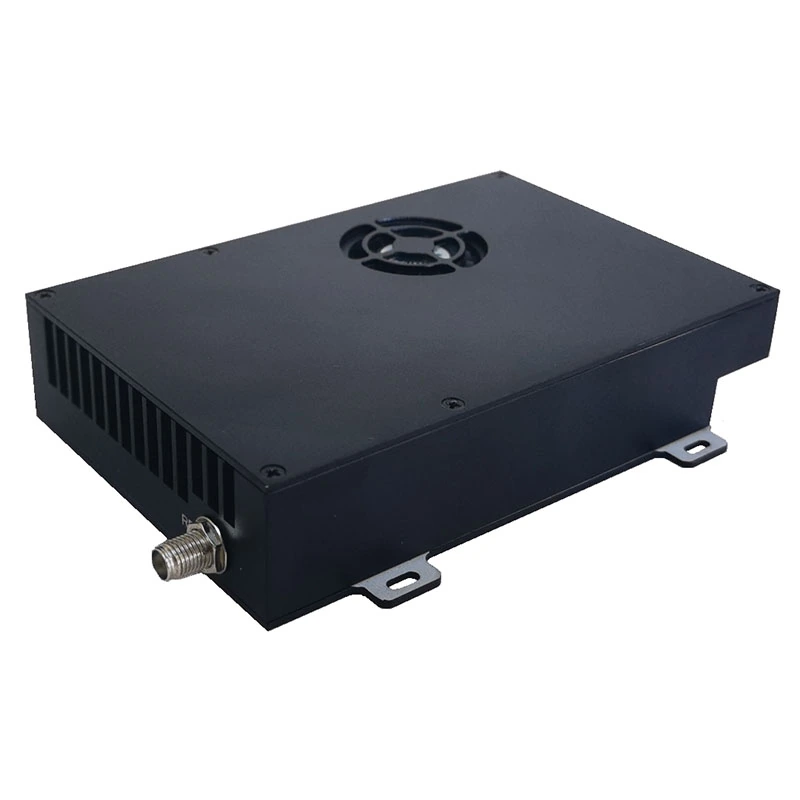
1.4 GHz COFDM Video Transmitter. Compare the documented interfaces and supplied configuration for your project.
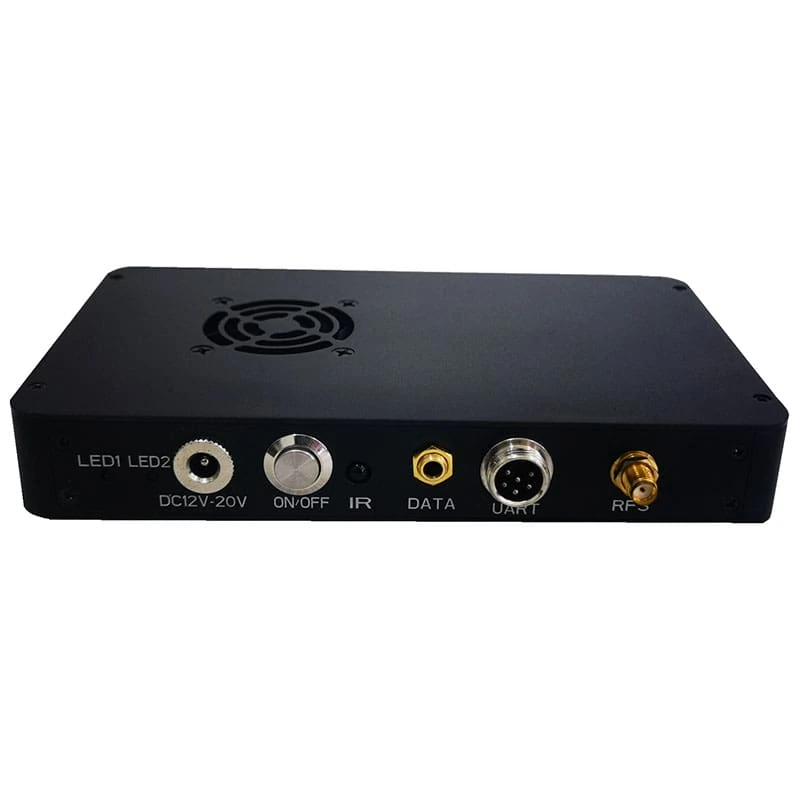
COFDM HD Video Receiver. Compare the documented interfaces and supplied configuration for your project.
H.265 COFDM Video Transmitter. Compare the documented interfaces and supplied configuration for your project.
Request a Configuration Quote for XK-F112THS
Keeping an existing HDMI, SDI or CVBS camera? Send its output format and the receiver you intend to use. Xingkai will check an F112THS 1 W configuration and quote the transmitter and any receiving equipment or accessories required for the agreed link.