
XK-A110 384 × 288 Thermal Camera Module
XK-A110 provides a 384 × 288 thermal detector in a 28 × 28 mm camera module with CVBS analog output. Its 50 Hz detector frame rate and adjustable-focus lens support thermal viewing in a compact integration. Xingkai checks your required module configuration and quantities before quoting.
- 384 × 288 thermal detector provides a heat-pattern view for your analog video installation.
- CVBS output in PAL format connects the module to a compatible analog video input.
- 28 × 28 mm size and 55.6 g weight give a defined module envelope for the assembly.
- 4.5–18 V supply and adjustable focus support selecting the power and lens arrangement for your equipment.
XK-A110 384 × 288 Thermal Camera Module Overview
XK-A110 is a thermal camera module for equipment that needs an analog thermal video channel in a 28 × 28 mm installation envelope. The vanadium-oxide uncooled detector has 384 × 288 pixels and a 12 μm pixel pitch. A 50 Hz detector frame rate and automatic shutter correction support thermal viewing, with adjustable focus for the selected lens.
CVBS output in PAL format suits an analog input at the next device in the video path. This is a module supply: the mechanical installation, cable connections and any separate stabilization system belong to the complete equipment configuration. Xingkai checks the requested model and configuration before quoting the module quantities and agreed accessories.
Technical Specifications
| Parameter | Configuration |
|---|---|
| Detector | Vanadium-oxide uncooled infrared focal-plane detector |
| Thermal resolution | 384 × 288 |
| Pixel pitch | 12 μm |
| Spectral band | 8–14 μm |
| Detector frame rate | 50 Hz |
| Correction | Automatic shutter correction |
| Focus | Adjustable |
| Video output | CVBS, PAL |
| Power supply | 4.5–18 V |
| Module size | 28 × 28 mm |
| Weight | 55.6 g |
Match the A110 Lens and Analog Host
A110 gives the host a 384 × 288 thermal channel through PAL CVBS. Its listed lens choices are 6.8 mm with a 37.3° × 27.9° field of view, or 9.1 mm with 29.3° × 22°; specify the view required from the mounting position alongside the host’s analog input.
The 28 × 28 mm module uses 4.5–18 V. With the lens selected, identify the host connector and cable route so the module and agreed connection accessories can be specified as one installation configuration.
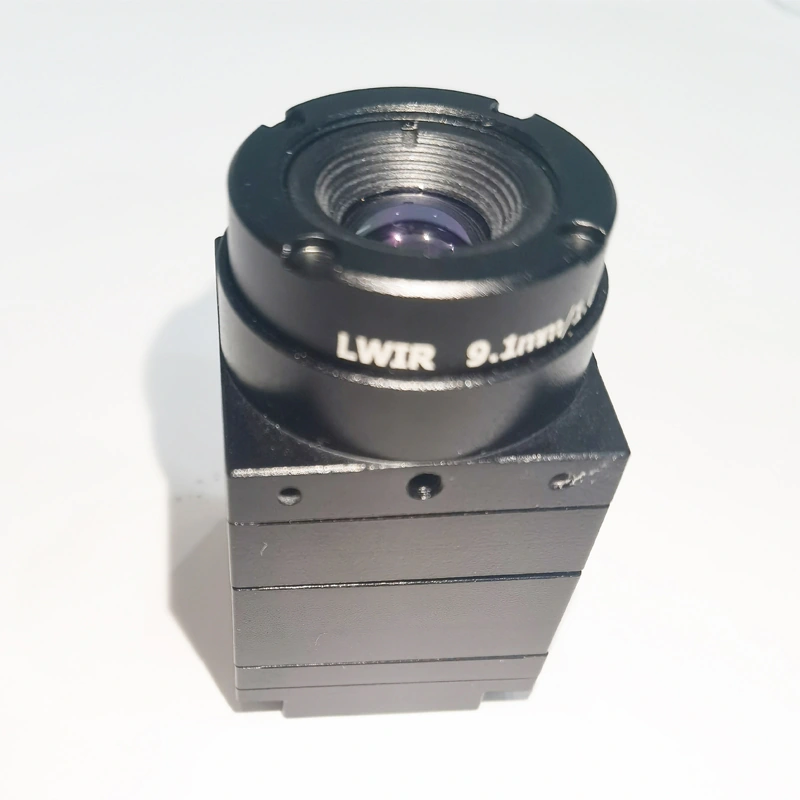
Order the A110 Lens Configuration
Specify the A110 384 × 288 module with either the 6.8 mm or 9.1 mm lens. The quotation identifies the selected lens and field of view, PAL CVBS connection and accessory scope, so the optical choice is fixed alongside the module quantity.
Send the observation area and mounting position, PAL CVBS host input and available supply. State the preferred 6.8 mm or 9.1 mm lens, or the field of view needed, with the module quantity.
Xingkai checks the selected A110 lens against the requested view and host arrangement, then quotes the 384 × 288 module configuration and agreed leads or accessories.
Agree the lens and field of view, host connector/cable arrangement and supplied quantities. Check the 28 × 28 mm module installation and 4.5–18 V supply, then confirm delivery terms.
Xingkai supplies and ships the agreed A110 lens configuration and listed accessories according to the confirmed order.
FAQs
Choose A110 when the required detector configuration is 384 × 288; A120 is the 640 × 512 option. The published module envelope is shared, but the higher pixel count alone does not determine the lens or a connector match. State the required viewing area and host input so Xingkai can check the selected module configuration before quoting.
The frame-rate entry describes the thermal detector, while PAL CVBS describes the analog video output. The detector pixel count and the receiving display format are separate specifications. Provide the host video input and display requirements when requesting the module so Xingkai can check the selected configuration; the detector entry alone does not define the resolution displayed by the complete video path.
A110 provides a separate PAL CVBS thermal-video output; an image-overlay or fusion function is not established for this module. Decide whether the operator needs a separate thermal view or a combined display, and identify that requirement at the host. For the separate-view arrangement, specify which analog input will receive A110. Any equipment or processing needed to combine pictures must be defined separately rather than assumed to be part of the module order.
From the same mounting position, the 6.8 mm option’s 37.3° × 27.9° view covers a wider angular area than the 9.1 mm option’s 29.3° × 22° view. Choose the wider option when more of the surrounding area must remain in view; consider the narrower option when the required scene is more concentrated. Provide the target area and mounting position to fix the optical choice. These angles do not establish a detection or recognition distance.
The A110 specification lists two lens choices, not a continuous zoom range. Adjustable focus describes focusing the selected lens; it does not establish remote zoom or a motorised lens change. State one lens and its field of view on the order. If the equipment must change viewing angle during use, identify that separately before selecting the module rather than expecting the focus adjustment to perform that task.
Compare Related Models
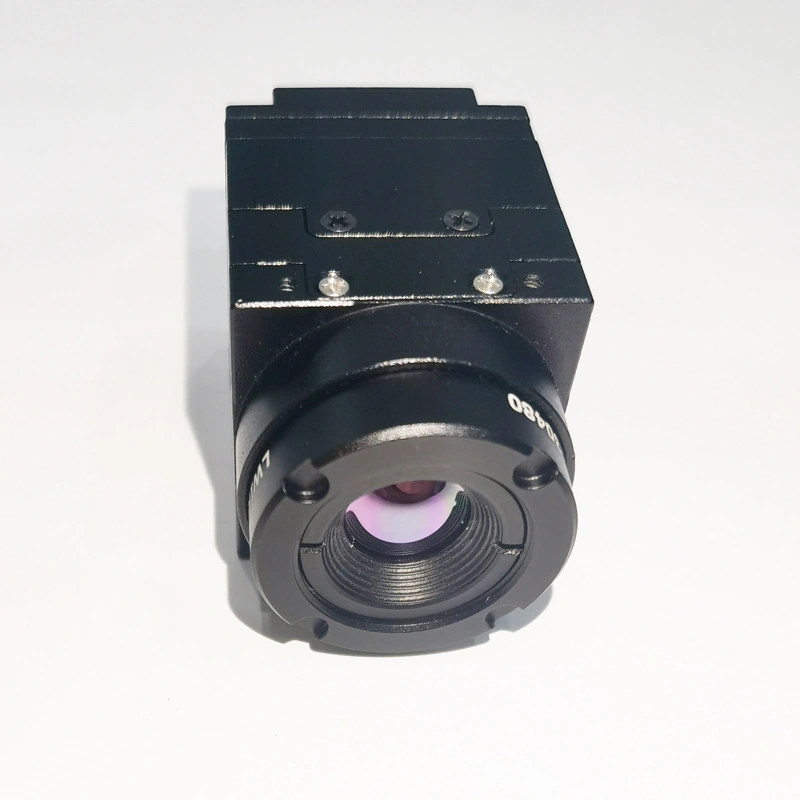
640 × 512 thermal module with PAL CVBS output in a 28 × 28 mm format.
Thermal module appearance reference
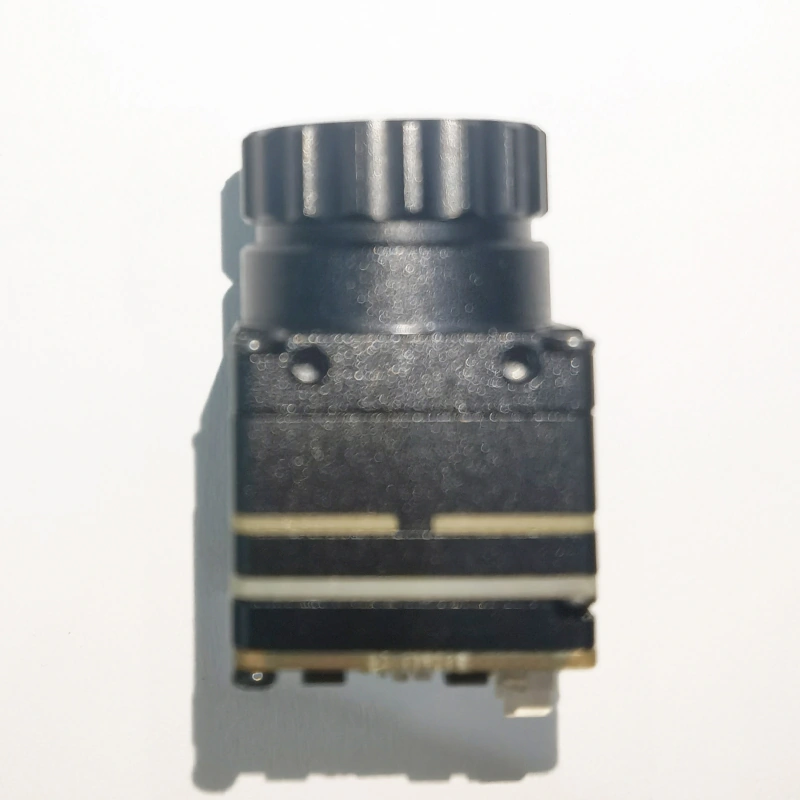
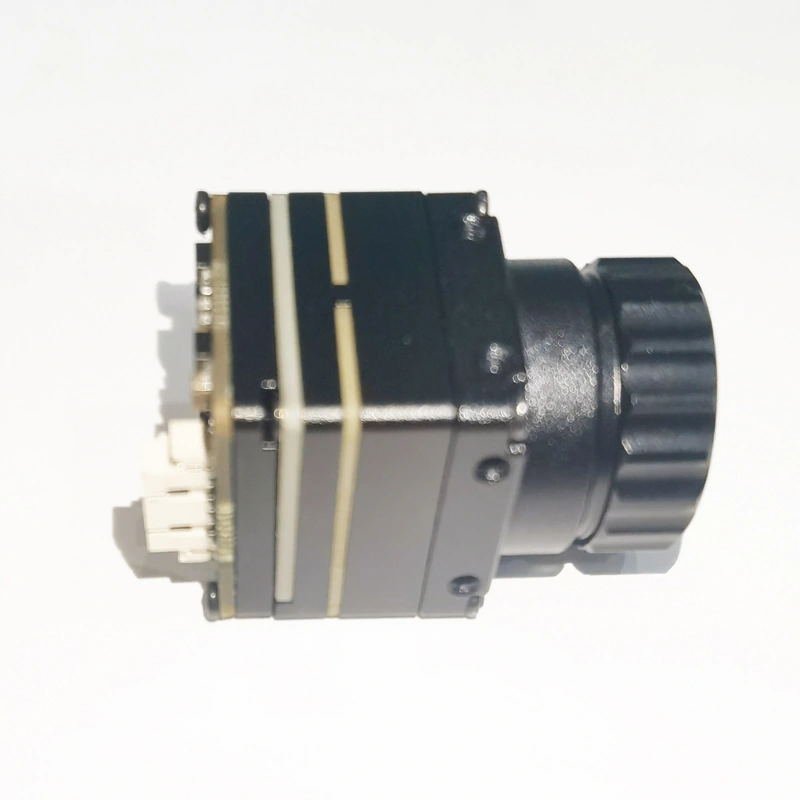
640 × 512 analog thermal module in a 21 × 21 mm format.
C-series module appearance reference
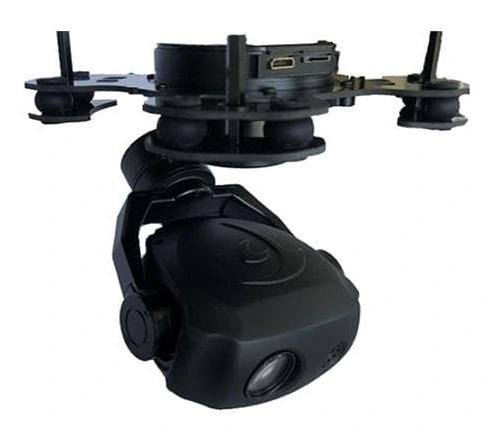
Compact 120 × 81 × 123 mm EO/IR gimbal with 640 × 480 thermal imaging.
Request a Configuration Quote for XK-A110
Need a 384 × 288 thermal view in an analog installation? Send the area to observe and the mounting position, plus the host video input. Xingkai will check the A110 lens choice and quote the selected module and connection scope.